
Back
Fermenting
Choose a mode, start a ferment, and see how SourFriend learns your starter.
Articles
- Understanding how SourFriend learns your starterSourFriend learns your starter's own fermentation pattern and uses it to predict when your starter will peak. Delayed Mode relies on this to reach peak at the time you set.
- Which mode should I use?SourFriend has three modes. Choose by when you want to bake.
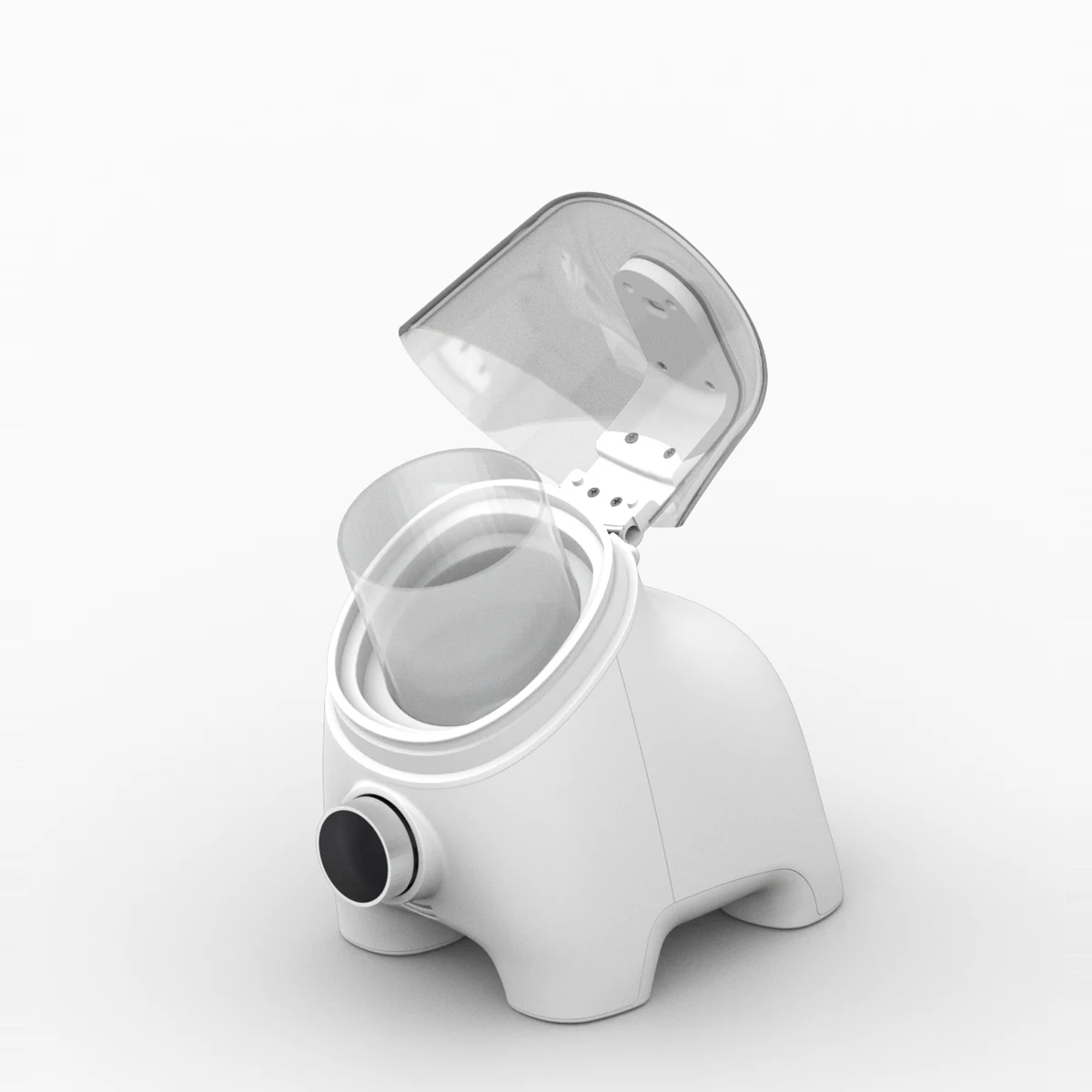
- Feeding and starting a fermentMix starter, water and flour in the container, place it in the unit, then choose a mode with the dial and start.
- Using Quick ModeQuick Mode is a fast fermentation mode that brings a freshly fed starter to its peak as quickly as possible, for when you want to bake today.
- Using Delayed ModeDelayed Mode is a scheduled fermentation mode that helps your starter reach its peak at the time you want.
- Using Storage ModeStorage Mode cools your starter to slow fermentation during short-term storage between feedings. It's useful when you're not baking every day.
- Making a new starterDuring days 1–3, the starter barely rises, so the sensor can't detect changes well. Keep it at room temperature for days 1–3, and use Quick Mode from day 4.
- Understanding cooling and room temperatureSourFriend cools relative to the room around it. The warmer the room, the higher the lowest temperature it can reach.
Need more help?
Email us or send us a message. We reply during support hours.
- support@toasterz.team
- Hours
- Monday – Friday, 10:00 – 17:00 (KST)