
SourFriend User GuideRead this first
Read this first
Five things to know before your first ferment. They make SourFriend's predictions accurate and prevent the most common problems.
Connect the app — that's how SourFriend learns.
SourFriend learns your starter from fermentation data sent to the app. Without the app, Quick Mode and Storage Mode still work, but Delayed Mode uses default timing only. We recommend switching to Wi-Fi in the app so data keeps syncing even when your phone is away. On Bluetooth only, open the app near SourFriend at least once every 3 days — data left unsynced longer may not be included.
Run Quick Mode 3 times before using Delayed Mode.
Delayed Mode predicts the finish time from your starter's own pattern. Complete Quick Mode at least 3 times first. Until then, timing is based on default values, and peak may arrive earlier or later than scheduled.
Keep your routine the same.
Use the same flour, the same feeding ratio (starter : water : flour), and the same spot in your home each time. If any of these change significantly, run Quick Mode 3 more times so SourFriend can relearn.
Let Quick Mode run until it switches to cooling.
SourFriend learns your peak by watching the full rise and fall. Don't end Quick Mode at peak — leave it running until it switches to cooling on its own.
Cooling depends on your room.
SourFriend cools relative to the room around it, so the warmer the room, the higher the lowest temperature it can reach. For best cooling, place it in a cool, well-ventilated spot away from heat sources and direct sunlight.
Good to know
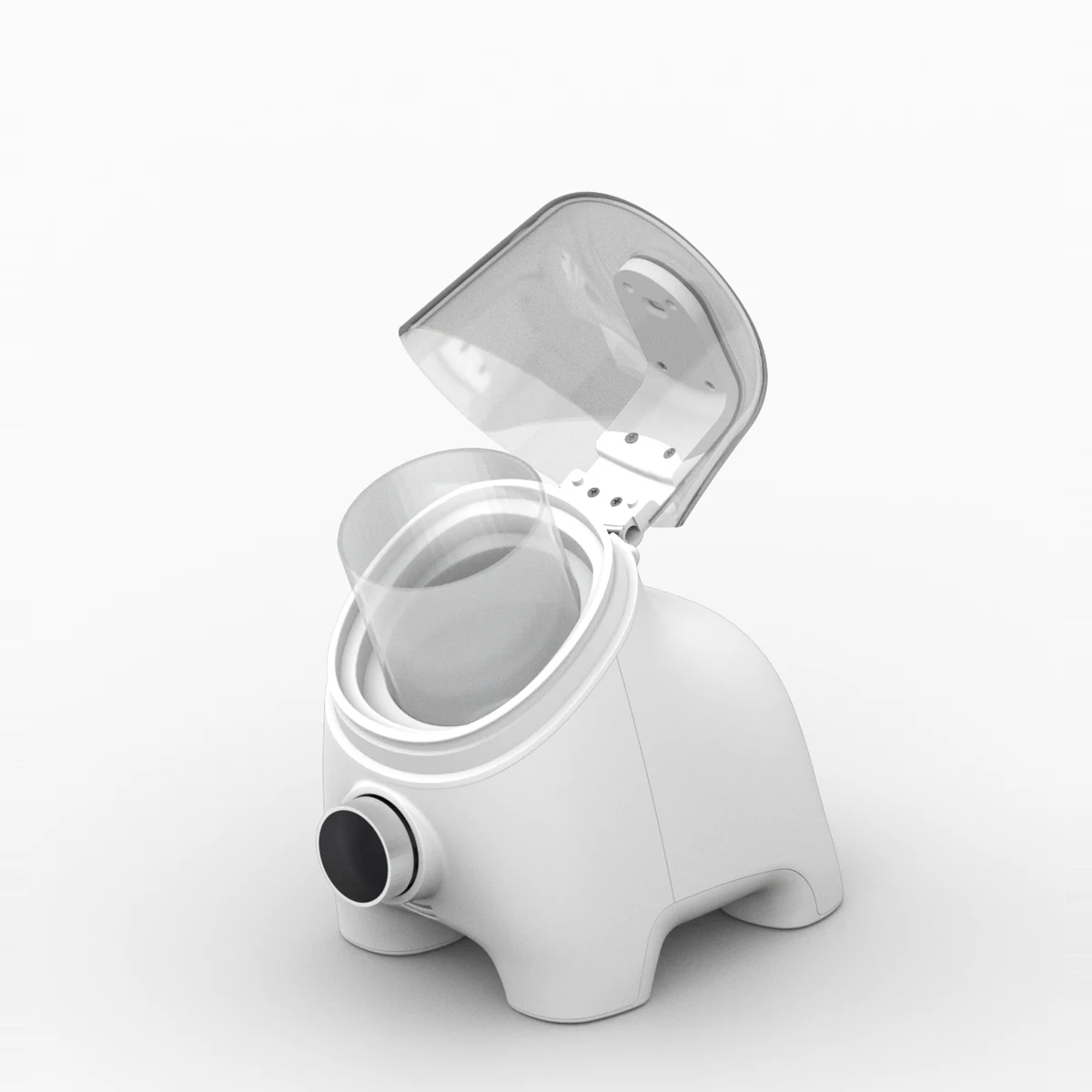
- Fill the container with 150–300 ml (5–10 fl oz). Too little or too much shows error 016 or 015.
- Keep the container uncovered. The height sensor in the lid reads your starter from above.
- Use the included adapter. For a replacement, use USB-C PD rated 36 W or higher.
- For schedules of 7 hours or less, use Quick Mode instead of Delayed Mode.
- Avoid opening the lid often while fermenting. It affects humidity and height readings.
These tips are updated as we learn more.