
Back
App & connection
Pair the app, switch to Wi-Fi, and keep the firmware up to date.
Articles
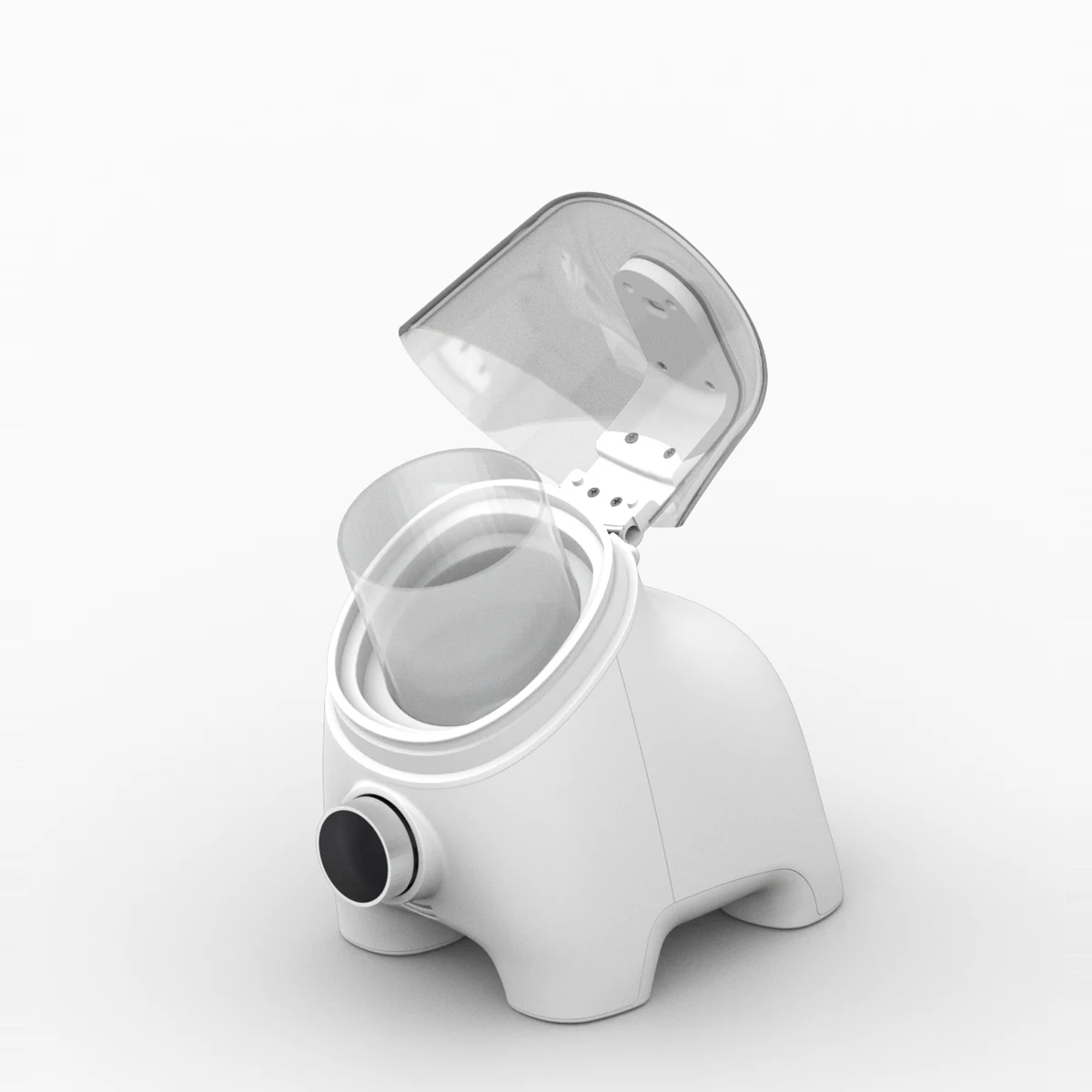
- Understanding Bluetooth and Wi-FiSourFriend connects to the app in two ways: Bluetooth and Wi-Fi. Both send fermentation data to the app, and that data is how SourFriend learns your starter. The difference is what happens when your phone moves away.
- Connecting with BluetoothPair the device with the app over Bluetooth. Wi-Fi setup and viewing logs stored on the device are done while connected over Bluetooth.
- Switching to Wi-FiConnect to 2.4GHz Wi-Fi to check the device's real-time status even when you're away. Wi-Fi connection and status checks are free.
- Updating firmwareTo get new features and improvements, connect your device to Wi-Fi and update the firmware regularly.
Need more help?
Email us or send us a message. We reply during support hours.
- support@toasterz.team
- Hours
- Monday – Friday, 10:00 – 17:00 (KST)